
Laser cutting and laser engraving
Laser cutting and engraving service in Madrid. Professional precision for wood, methacrylate, leather and more. Request your budget.
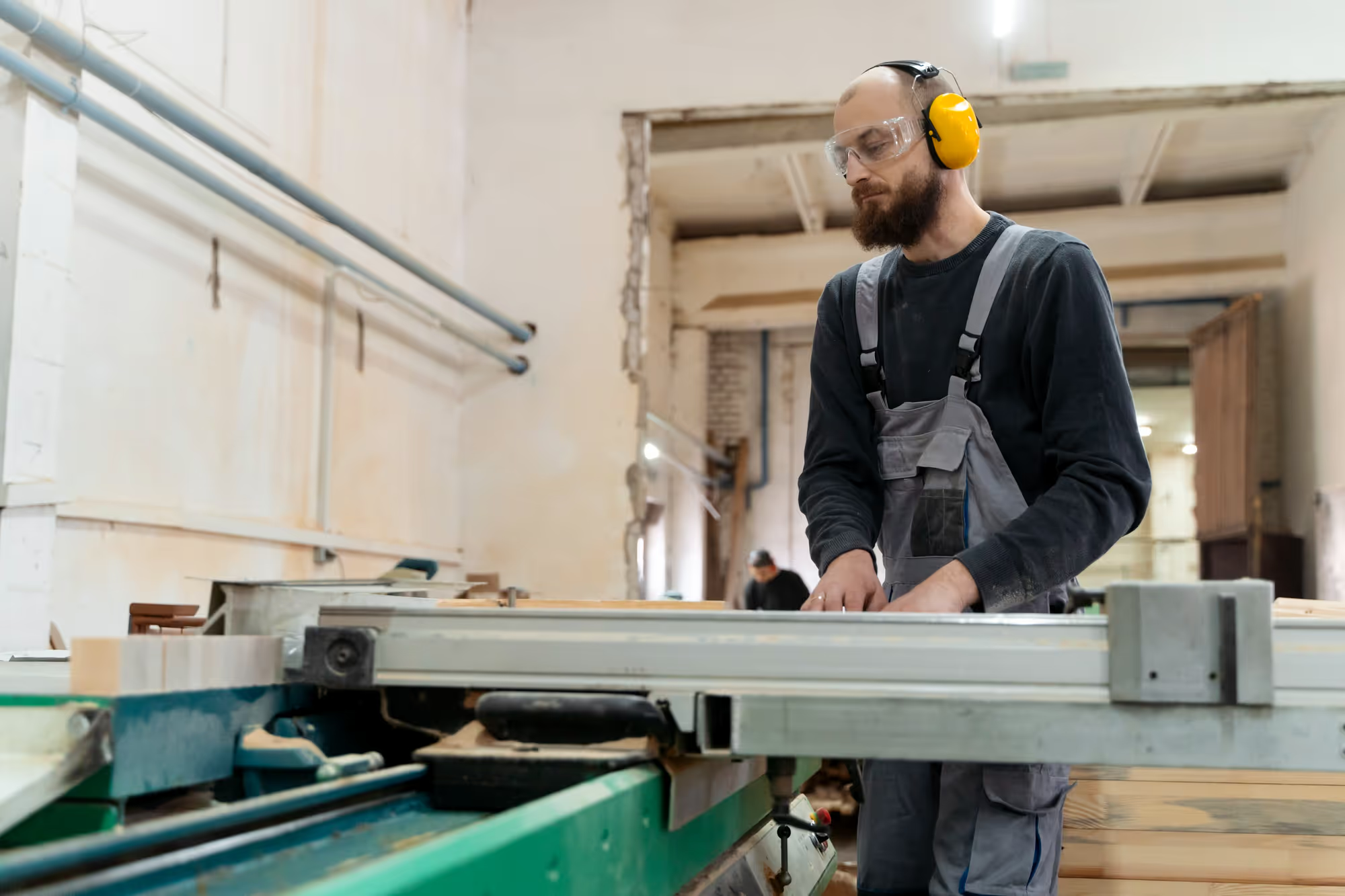

Millimeter accuracy
Cutting and engraving with maximum accuracy thanks to the latest generation of laser technology. Ideal for fine details and professional finishes.

Versatility of materials
We work with wood, methacrylate, leather, cardboard, textiles and more. We adapt the process according to the material for a perfect result.

Fast deliveries and warranty
Agile service with tight deadlines. Fast deliveries, without surprises and with quality guarantees.
Customer Testimonials
This is what our customers say about us


FAQs
These are the most common questions our customers have.
We work with a wide variety of non-metallic materials, ideal for laser cutting and engraving of precision. Among them: cardboard, methacrylate, leather, wood, technical plastics. We can also work with plastic materials with metal effect finish, although they are not real metals. If you have questions about a specific material, please contact us without obligation.
Our services of laser cutting and engraving are perfect for: architectural models, personalized signage and signage, decorative pieces, precision functional pieces, corporate gifts and merchandising.
Our machine of laser cut has a useful work surface of 450 x 700 mm, which makes it possible to work with medium-sized sheets with great precision.
Of course! In fact, we recommend that you bring your own materials if you are looking for a specific finish or want a greater variety of colors and textures. Near our facilities you will find specialized suppliers such as:
• Ceplasa, which has a wide variety of colored methacrylate sheets and other plastics.
• Sancer, ideal for buying cardboard for architectural models and other lightweight materials.
Save the file in .dxf 2018 format, one file per material indicating it in the file name example: sheet 1 methacrylate 3mm.dxf (if everything is the same material you can put it in the same .dxf, but remember to delimit in black, a simple black square helps us to separate by sheets).
Yes, to prevent the machine from passing through an area several times, avoid double lines with commands such as “OVERKILL” or “REMOVE EXCESS” in AUTOCAD to eliminate overlapping lines, otherwise the laser will pass through the same place several times and could damage the sheet.
Very easy, to speed up the work, we recommend using the following colors:
• Perimeter Material: black.
• Court: lines in red.
• Rasterized: engraving of areas in blue.
• Line engraving: green.
Do you still have any questions?
Contact us and we'll be happy to help
Ask for a budget
Please fill out this form so that we can make you a non-binding proposal.